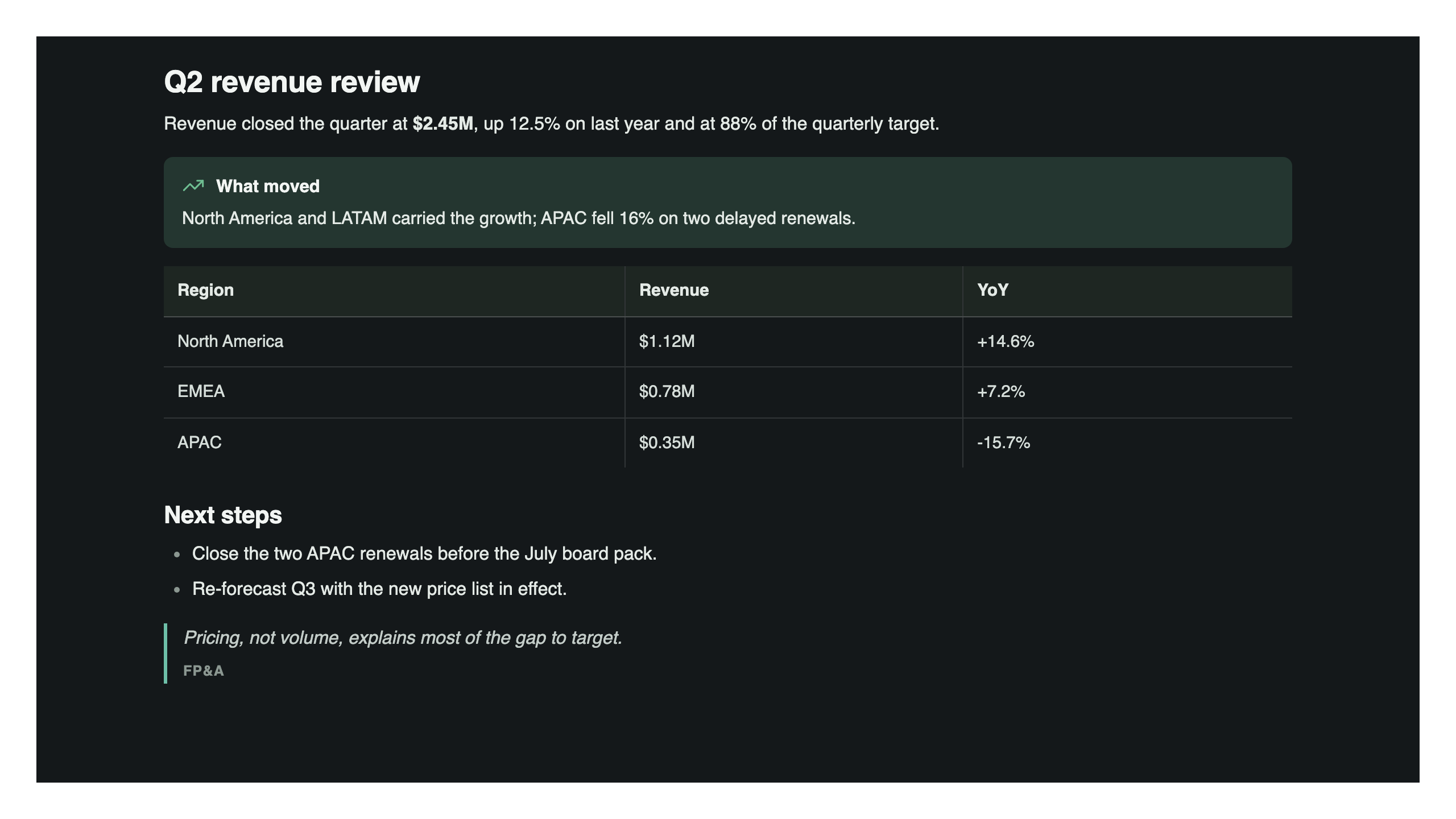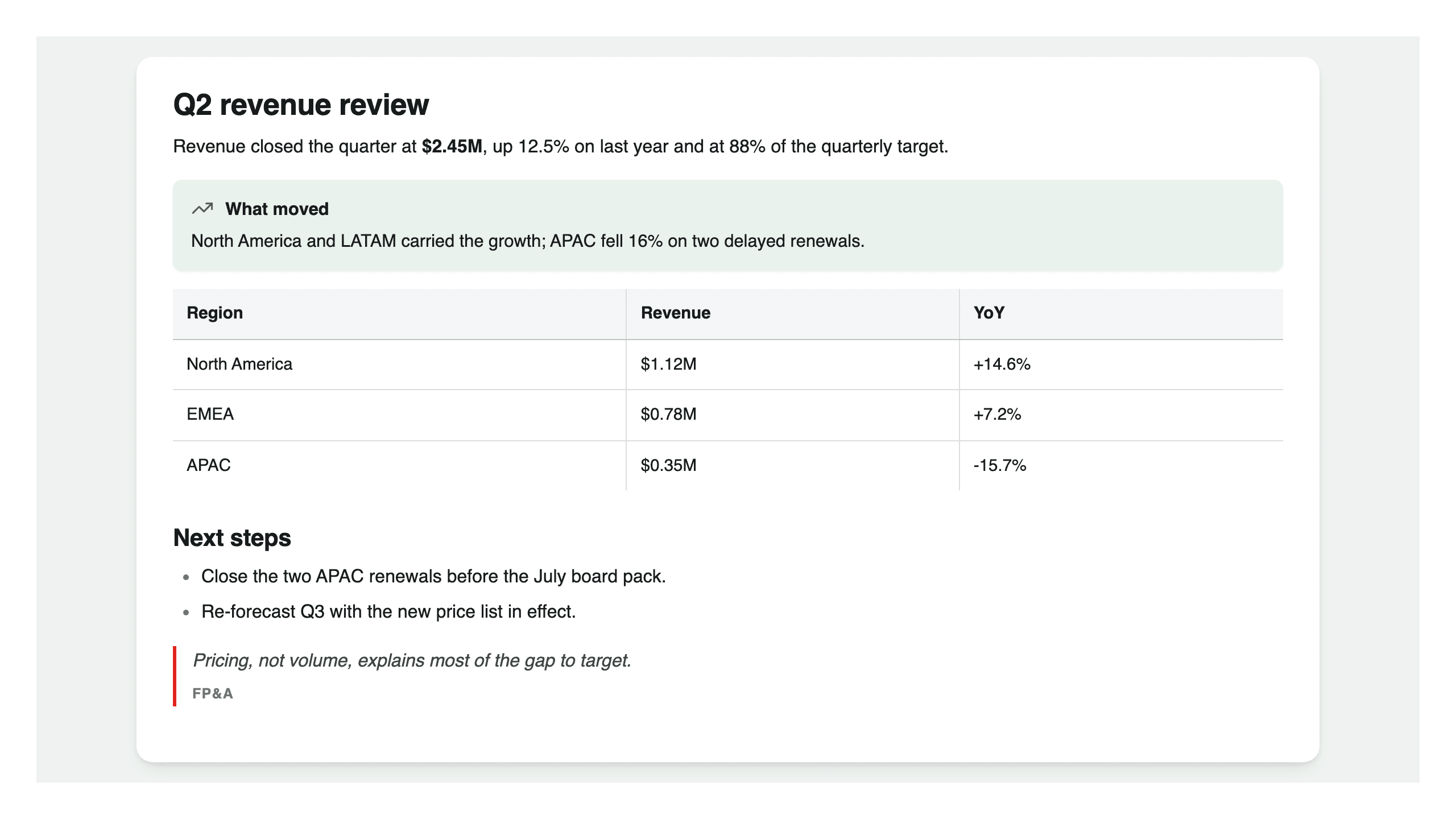
Rich Narrative Blocks is a Power BI custom visual (pbiviz) for the commentary that sits next to the numbers. Authors write directly in the report: headings, paragraphs, callouts, tables, lists, quotes, dividers and icons, with the text stored in the report itself.
Highlights
- An in-report editor with a sticky toolbar, keyboard shortcuts and undo and redo
- Callouts with six semantic tones and five structural styles, set independently
- Tables inserted from a rows-by-columns grid, plus lists, quotes, dividers and spacers
- About 130 packaged line icons with search
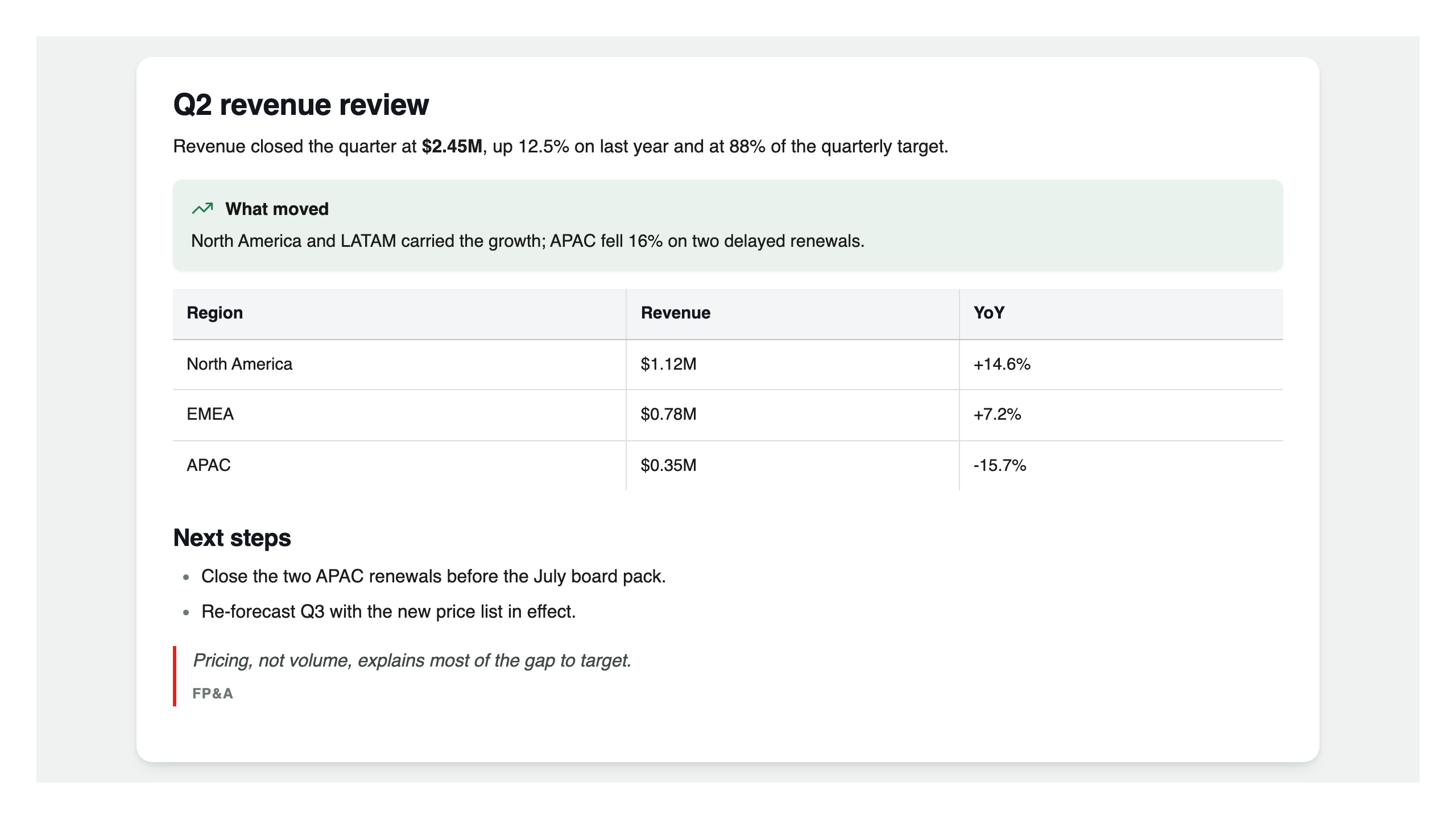
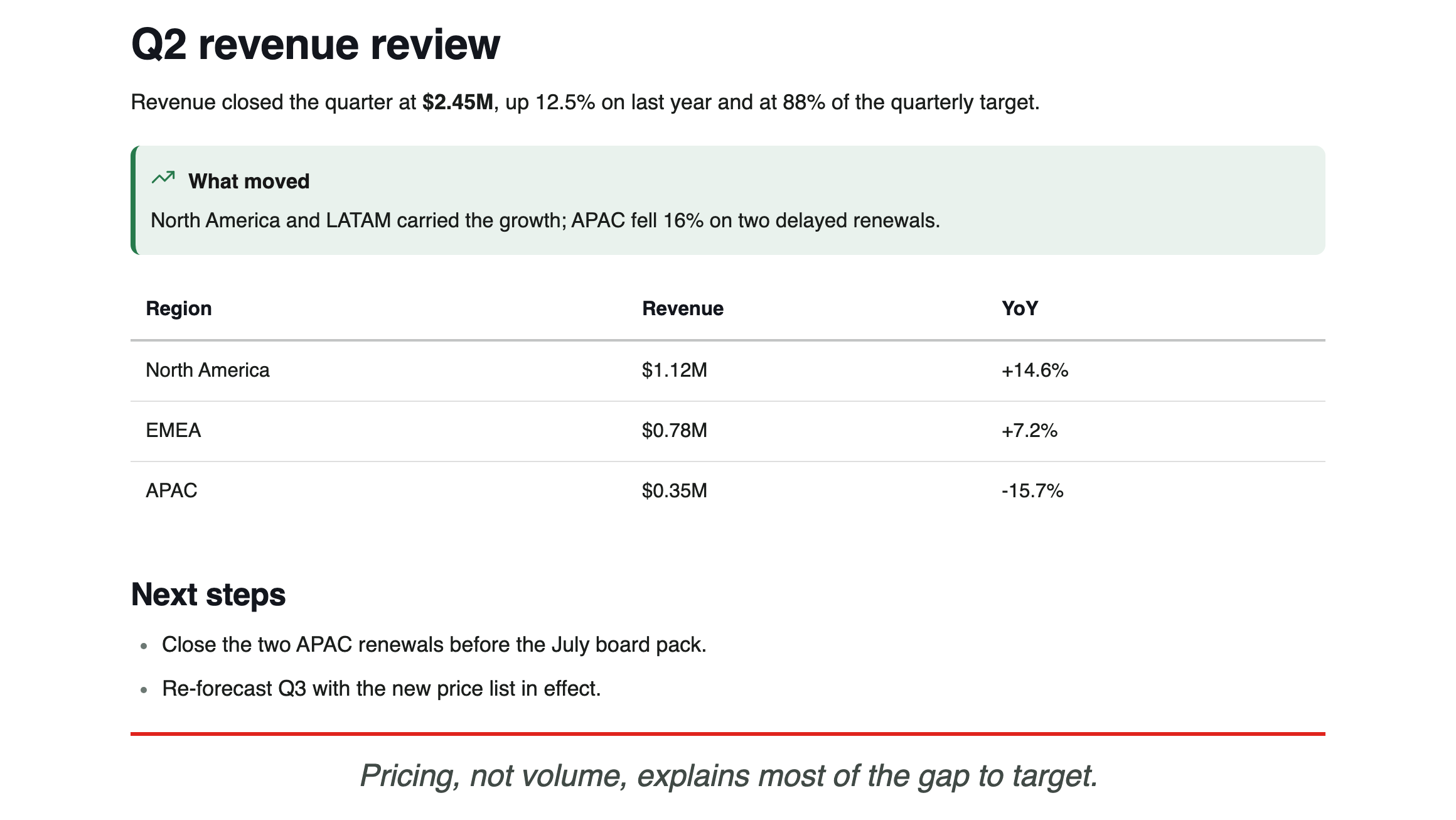
- Seven presets: Document, Compact, Card, Editorial, Memo, Dark and Theme-matched
- Safe rich text: a fixed document model, not raw HTML
Presets
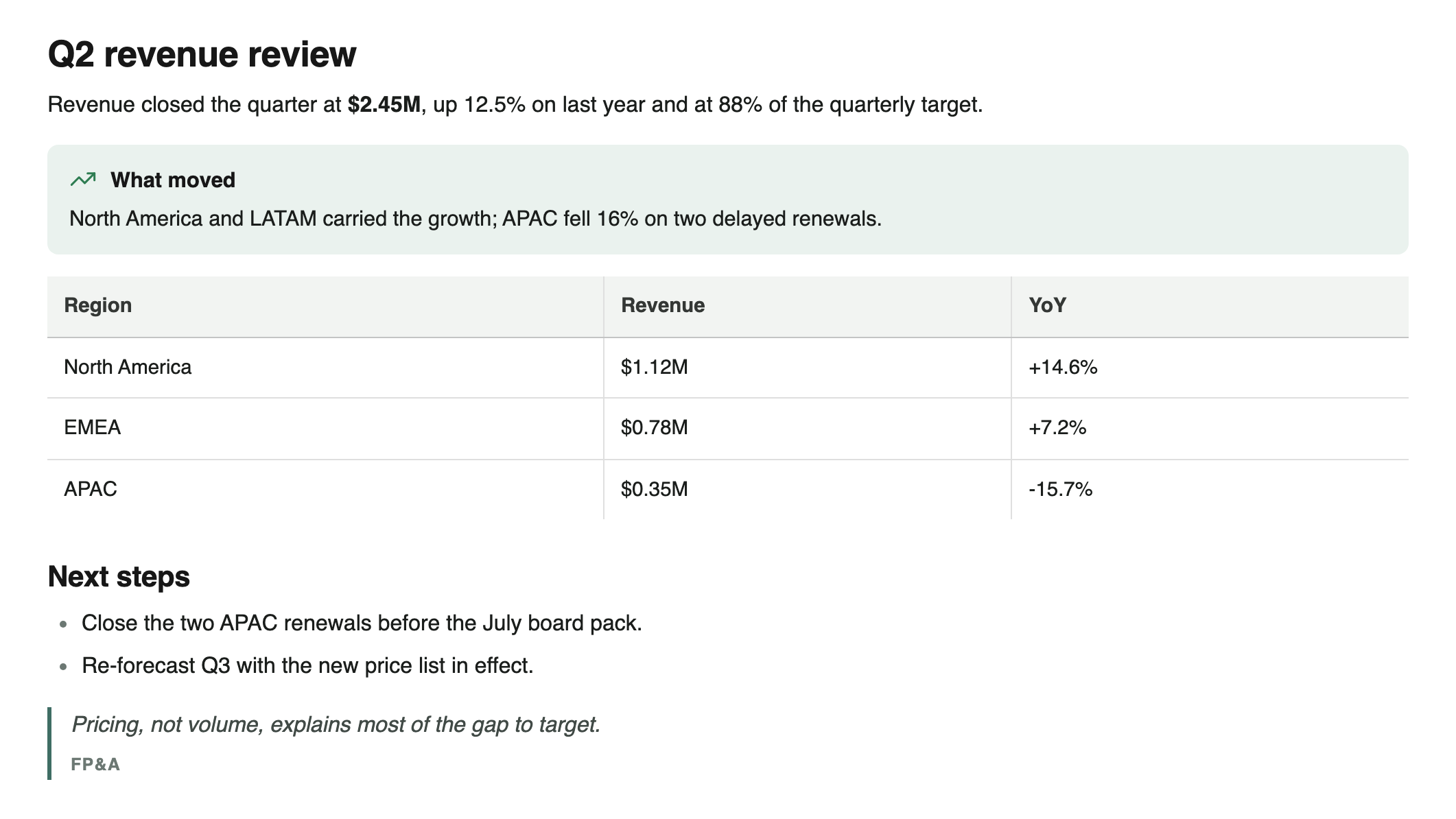
Every image below is a real render of the same quarterly revenue commentary.
Card
The narrative on a raised card, here with an ink, green and red accent.
Editorial
Larger headings and a pull quote, for a page that is mostly words.
Document
The default: a clean document that sits flush in the report.
Dark
For dark report themes.