Moving a Fabric SQL Database Between Workspaces
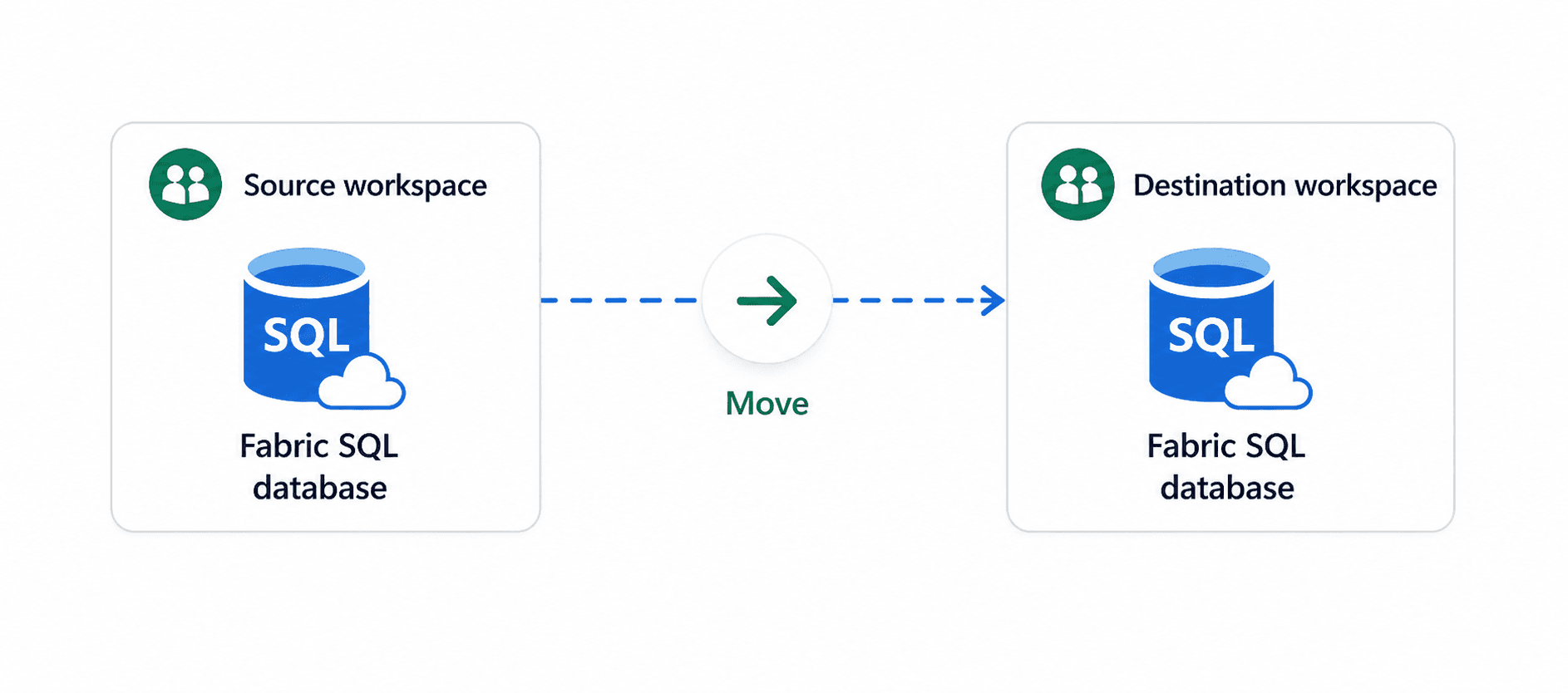
There's no native "move" option for Fabric SQL Database in the portal. The fastest path is a .bacpac export/import using SqlPackage - the same CLI tool used for Azure SQL migrations.
Prerequisites
- Install the latest SqlPackage CLI: aka.ms/sqlpackage-download
- Have connection strings for both the source and target databases ready. To find them: open the database in the Fabric portal, click the gear icon in the toolbar to open Settings, then navigate to the Connection strings tab. The connection string shown there includes the full
Initial Catalogvalue with the database GUID - copy it exactly into the commands below.
WARNING
Use SqlPackage v162.2 or later. Earlier versions don't support Fabric SQL Database.
Open PowerShell and run the following commands.
Step 1 - Export from the source workspace
sqlpackage /Action:Export `
  /SourceConnectionString:"Data Source=<source-server>.database.fabric.microsoft.com,1433;Initial Catalog=<DatabaseName>-<source-db-guid>;Encrypt=True;Authentication=Active Directory Interactive" `
  /TargetFile:"C:\Exports\my_database_export.bacpac"
This produces a .bacpac file - a self-contained archive of your schema and data.
Step 2 - Import into the target workspace
sqlpackage /Action:Import `
  /SourceFile:"C:\Exports\my_database_export.bacpac" `
  /TargetConnectionString:"Data Source=<target-server>.database.fabric.microsoft.com,1433;Initial Catalog=<DatabaseName>-<target-db-guid>;Encrypt=True;Authentication=Active Directory Interactive"
NOTE
The /Action:Import replaces the target database content entirely. Use /Action:Publish instead if you want a schema comparison with incremental deployment against an empty target - that approach is safer when you're not certain the target is clean.
Troubleshooting
If you hit compatibility errors on import, Fabric SQL Database has a narrower feature surface than full SQL Server. Objects like SQL Agent jobs, linked servers, and CLR assemblies are not supported and will cause the operation to fail.
Add this flag to skip unsupported object types:
/p:ExcludeObjectTypes=Logins;Users;PermissionsReview the Fabric SQL Database feature limitations before importing a complex schema.
NOTE
SSMS does not support deploying .bacpac files directly to Fabric SQL Database through the UI wizard - the Data-tier Application import wizard targets traditional SQL Server and Azure SQL only. SqlPackage CLI is the supported path.