SemanticOps MCP: AI-Native Power BI Semantic Modeling with Production Guardrails
AI can now write DAX, create measures, and restructure your semantic models through natural language. That part is solved. What isn't solved is what happens when it breaks something.
SemanticOps MCP (formerly MCP Engine) is a local MCP server that bridges AI assistants - Claude, Copilot, ChatGPT, or any MCP-compatible client - with your Power BI semantic models. It gives AI the ability to read, query, and modify your models. And it gives you the ability to control exactly what AI is allowed to do.
Free to start. No credit card. Install in under a minute.
What is MCP?
Model Context Protocol is an open standard that lets AI assistants interact with external tools. Instead of copying DAX into a chat window and pasting results back, MCP lets the AI work directly with your model - reading metadata, executing queries, creating measures, managing relationships - all through a standardized interface.
SemanticOps MCP implements this protocol for Power BI. It connects to the Analysis Services engine running inside Power BI Desktop (or Power BI Service for cloud models) using the same APIs Power BI developers have used for a decade: TOM for metadata, ADOMD.NET for queries. Nothing exotic - just a standardized, AI-accessible wrapper around the tools you already trust.
The speed difference is real
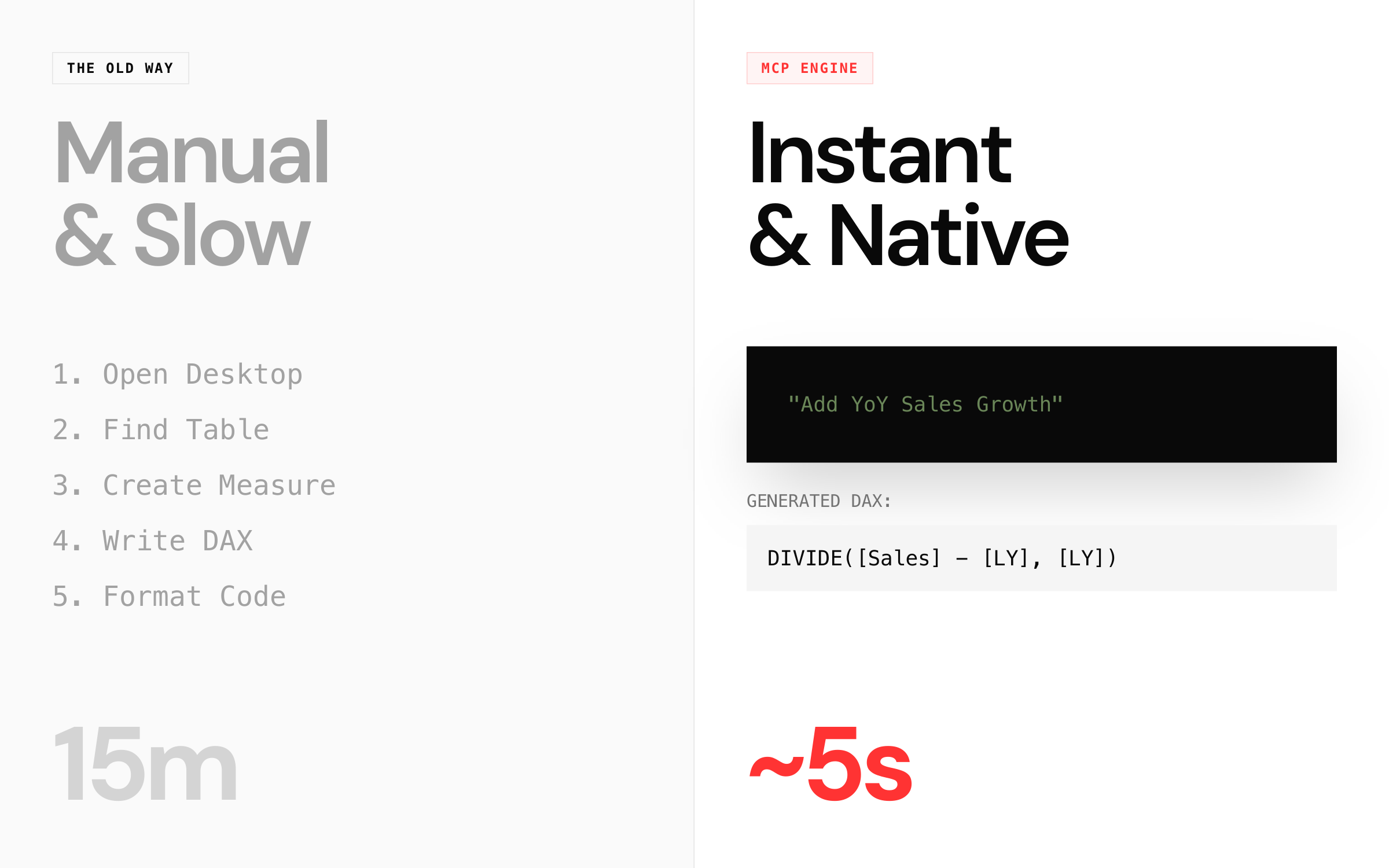
What used to take 15 minutes of clicking through menus - find the table, create a measure, write the DAX, format it, test it - now takes about 5 seconds through a natural language prompt.
But speed without safety is a liability. That's where SemanticOps MCP separates from the pack.
Free tier: everything you need to start
The free tier is not a demo. It covers the core modeling operations that most people need day-to-day:
- Natural language DAX - create measures, calculated columns, and calculation groups by describing what you want.
- Bulk operations - rename, delete, or update dozens of objects in a single prompt.
- Auto translation - translate your model to 40+ languages.
- Query execution - run DAX queries and get results directly in the chat.
- Model exploration - list tables, columns, measures, relationships, and hierarchies.
- Basic performance stats - get a read on query duration and storage engine behavior.
- Cross-platform - works on Windows and macOS, in Claude Desktop, Claude Code, VS Code, or any MCP client.
Why Pro?
Microsoft released their own Power BI MCP server at Ignite 2025. It's free, and it handles the basics well. If all you need is natural language model editing and bulk operations, their server - or SemanticOps MCP's free tier - will get you there.
But if you're working on production models, or you're a consultant responsible for a client's data infrastructure, the basics aren't enough. You need to know what breaks before it breaks. You need to undo mistakes instantly. You need to control what the AI can and cannot do.
That's what Pro is for.
Rollback and snapshots
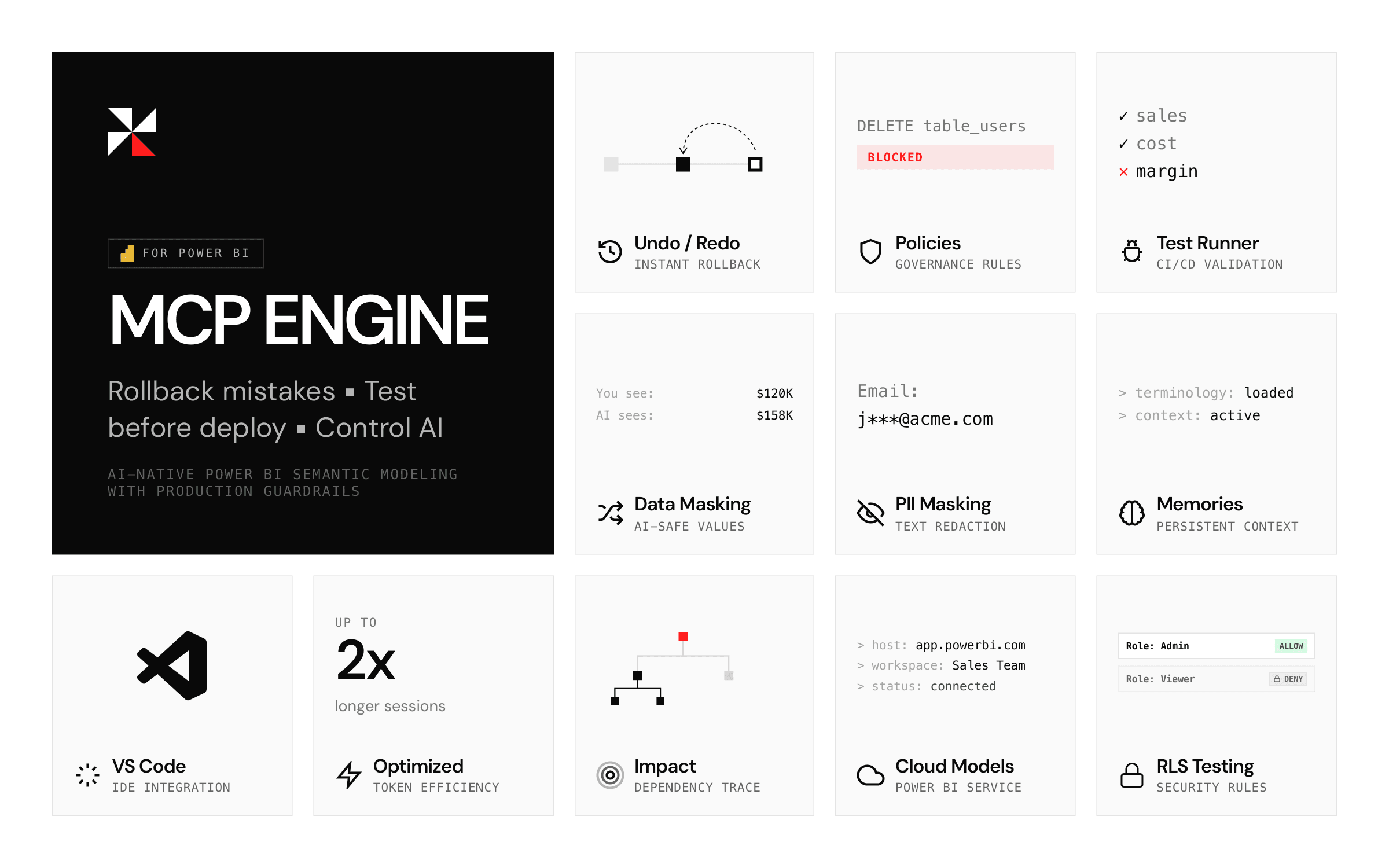
Every change SemanticOps MCP makes is automatically recorded. You can preview diffs before applying, undo the last operation, or roll back to any previous state. It's a git-like workflow for your semantic model - without requiring git.
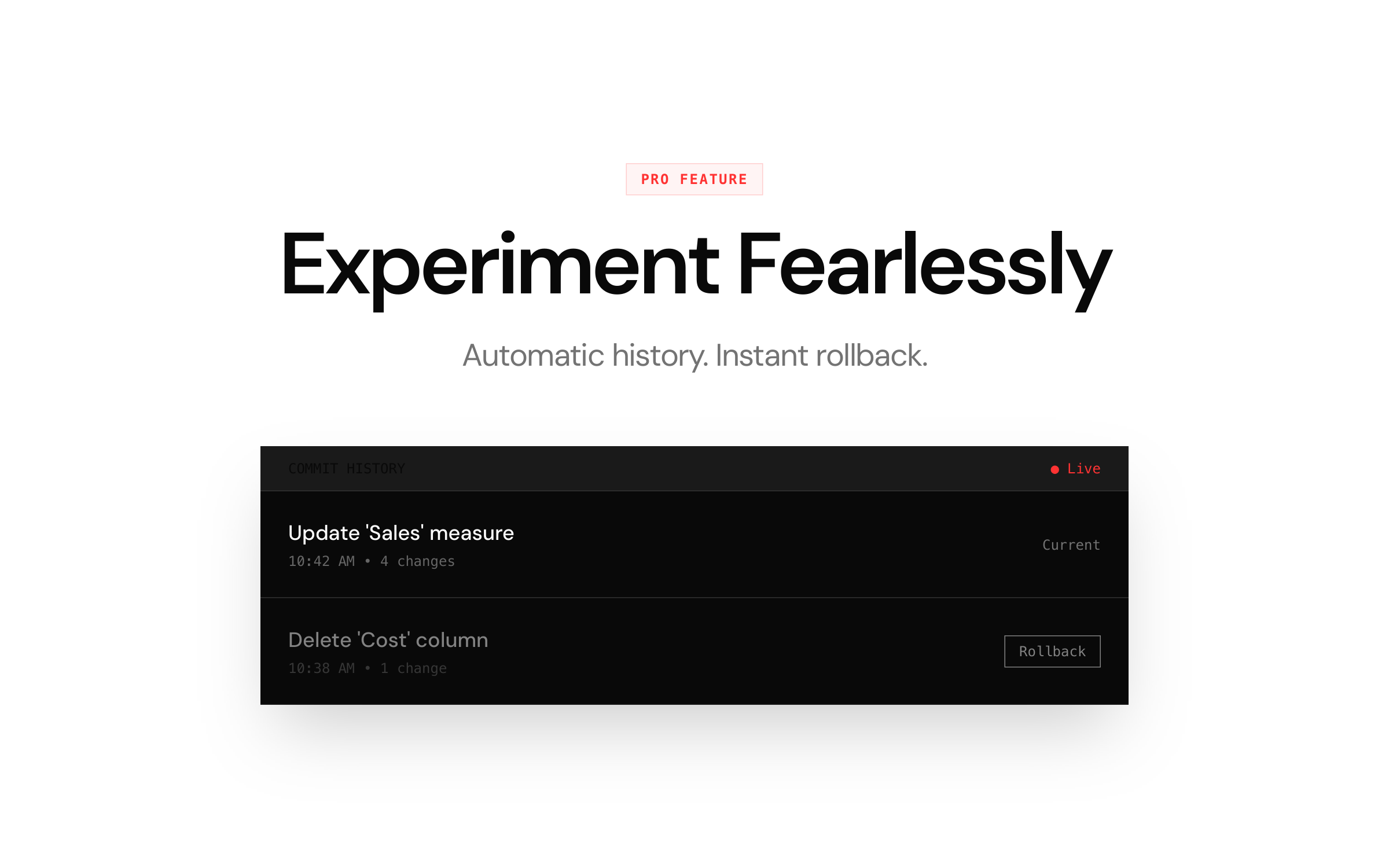
This alone changes how you work with AI. When you know you can undo anything, you stop hesitating and start experimenting.
Test runner
Define expected values for any measure. Run the suite before deployment. If Total Sales should be 1.4M and it suddenly isn't, you'll know before your stakeholders do.
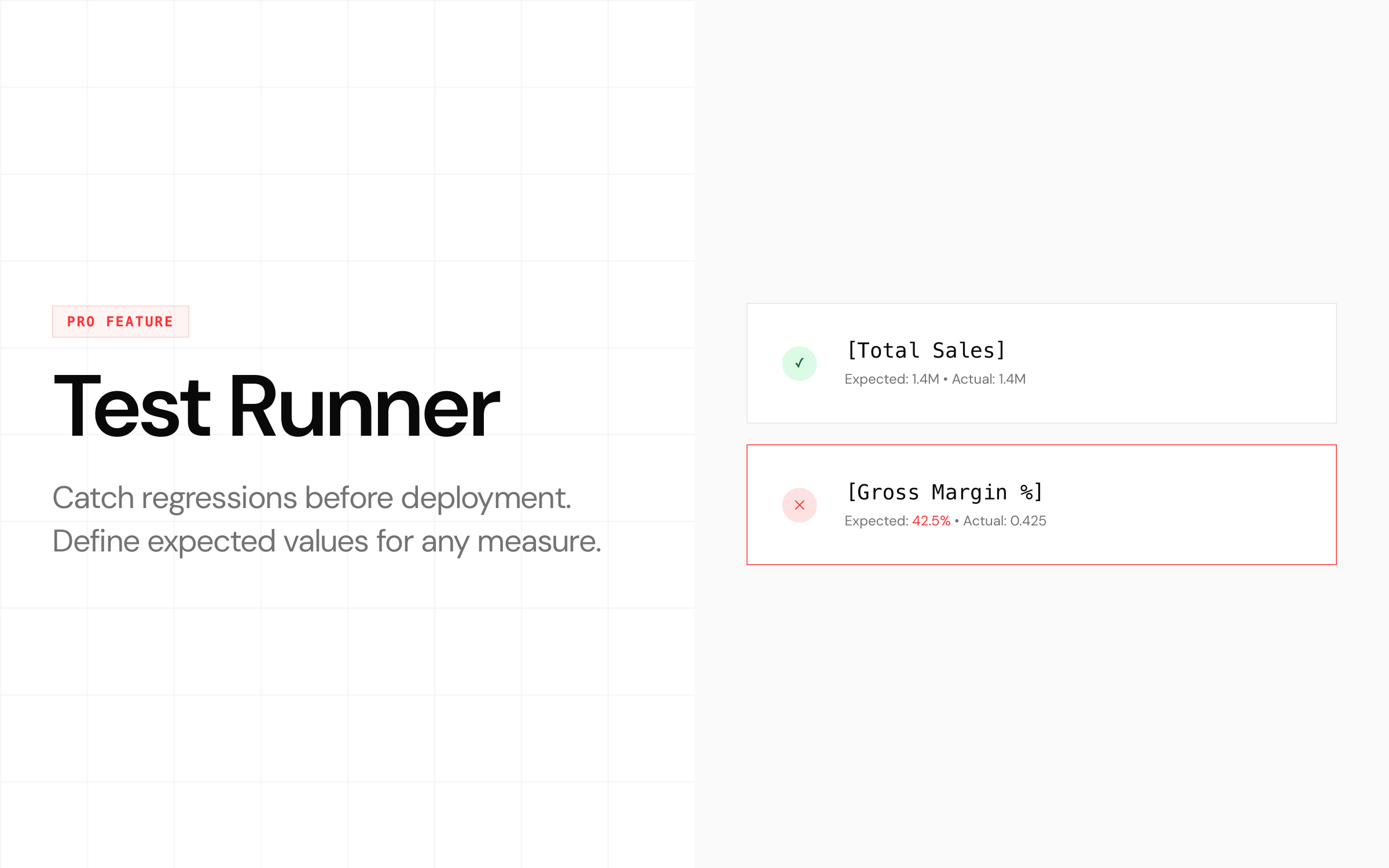
Test results can be exported for CI/CD pipelines, so you can integrate model validation into your existing deployment workflow.
Policy engine
Block risky operations. Enforce naming conventions. Require confirmation before deletes. Your rules, always applied - whether you're the one prompting or someone on your team.
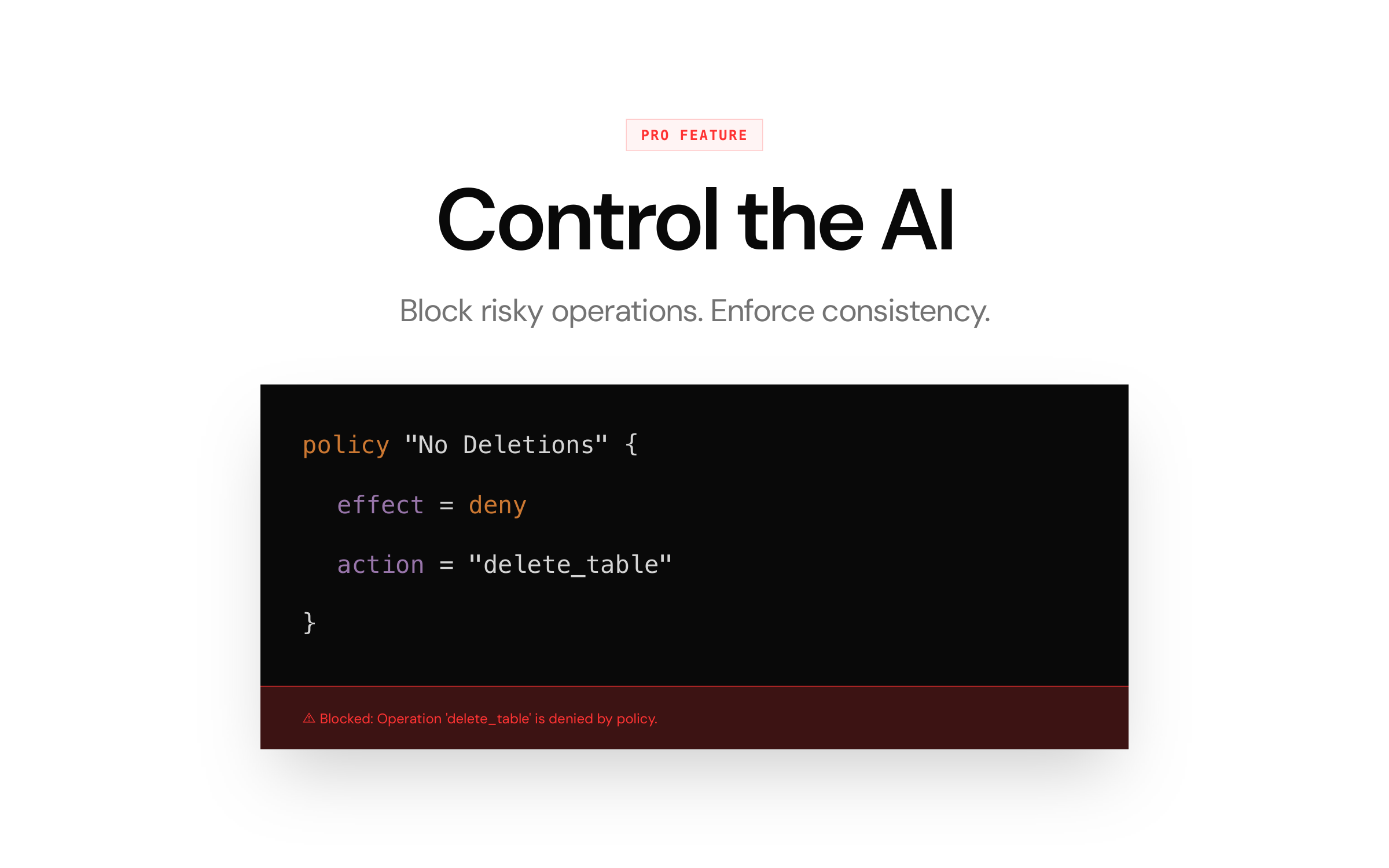
Policies are declarative. Define them once, and they apply to every session. No more hoping that the AI - or the person talking to it - follows the rules.
Impact analysis
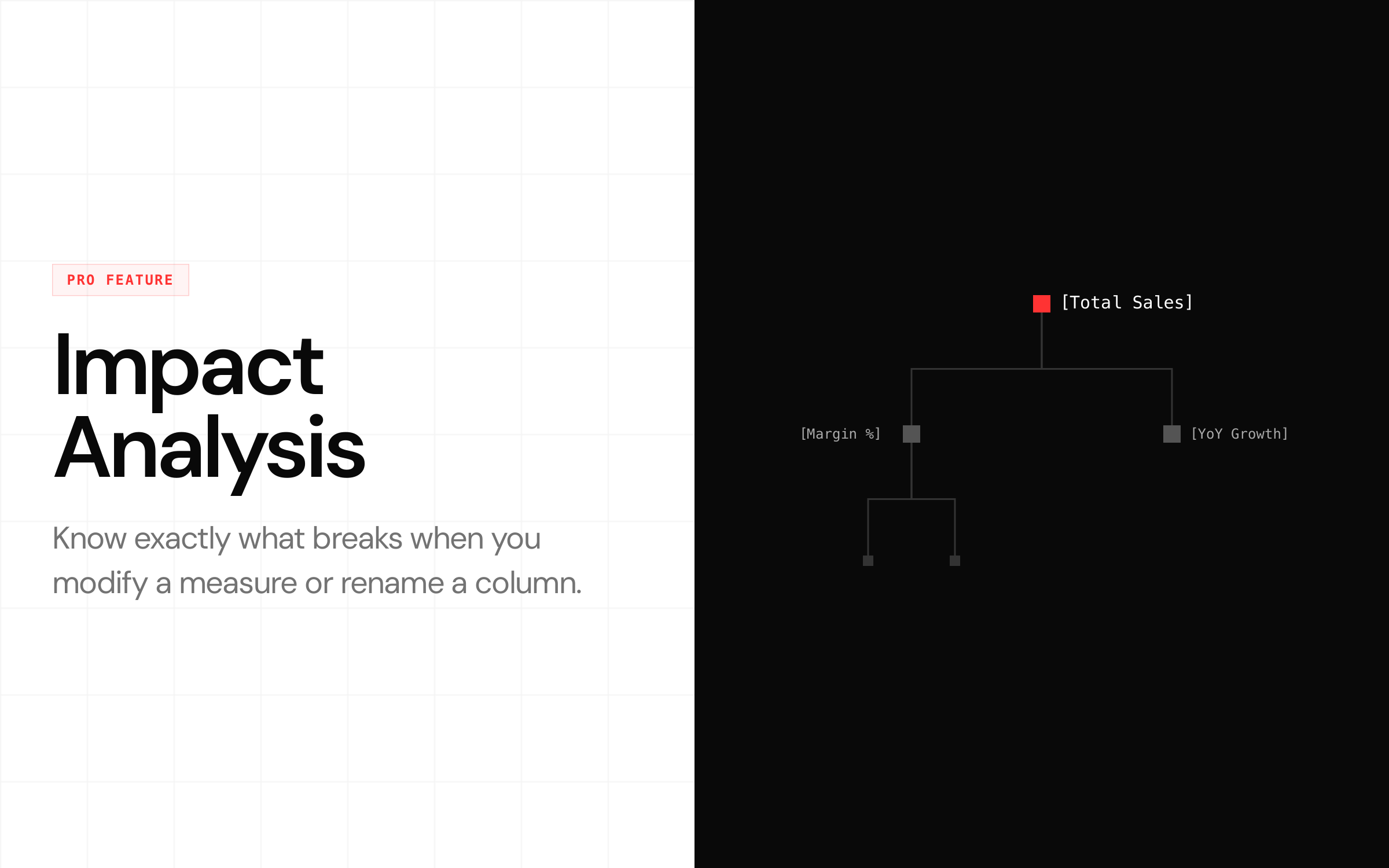
"What breaks if I rename this column?" Instead of finding out in production, SemanticOps MCP traces measure dependencies and shows you the cascading impact before you commit.
RLS testing
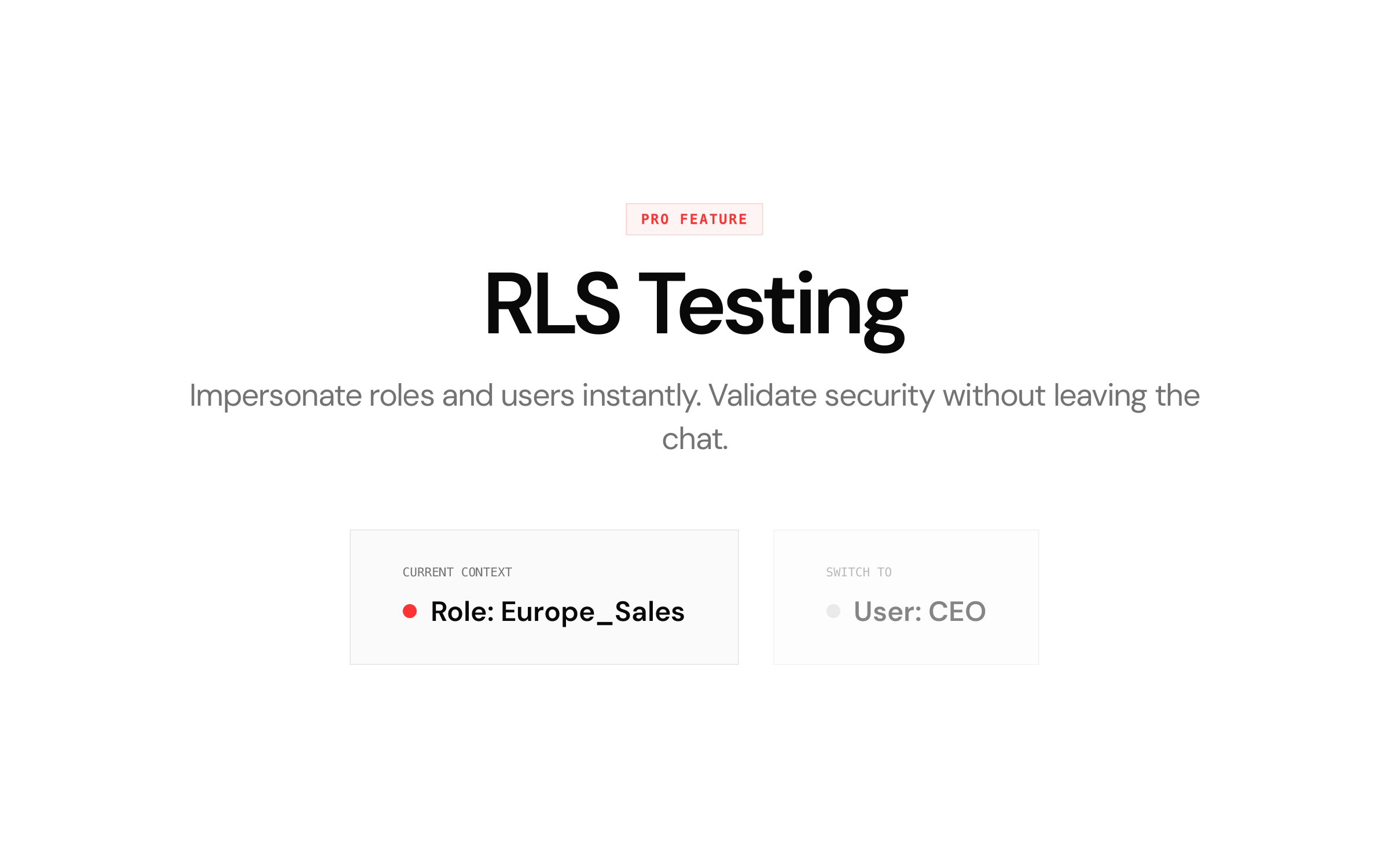
Impersonate roles and users directly from the chat. Validate that row-level security filters actually work without switching contexts in Power BI Desktop.
Data masking
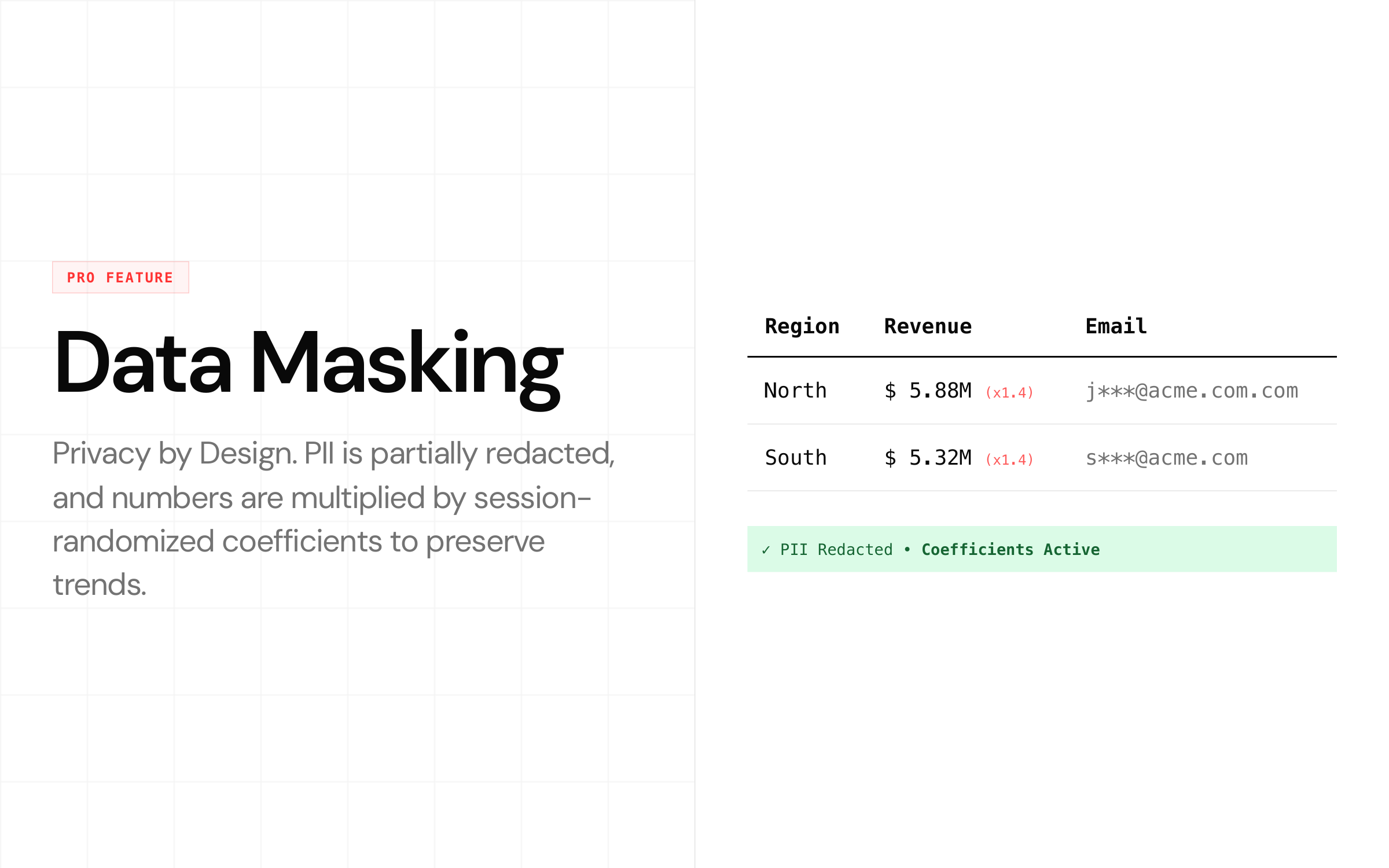
This is the enterprise feature most people don't think about until it's too late. When AI reads your model, it sees your data. SemanticOps MCP's masking uses session-randomized coefficients to hide real values while preserving trends, ratios, and distributions. PII is partially redacted. Your AI assistant works with representative data - never the real numbers.
Persistent memories
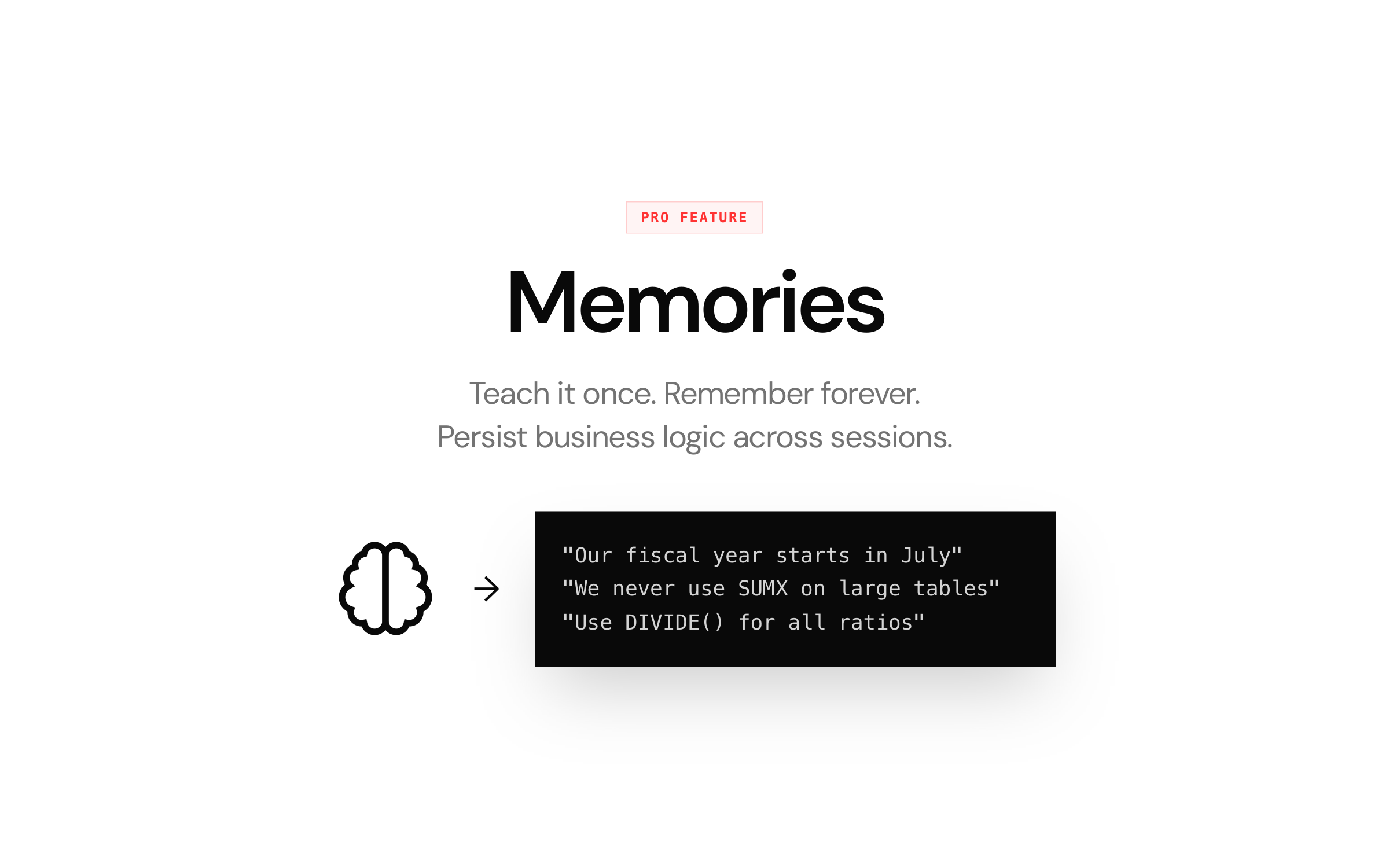
Teach SemanticOps MCP your business logic once: "Our fiscal year starts in July." "We never use SUMX on large tables." "Use DIVIDE() for all ratios." It remembers across sessions, so every interaction starts with the right context.
Token efficiency
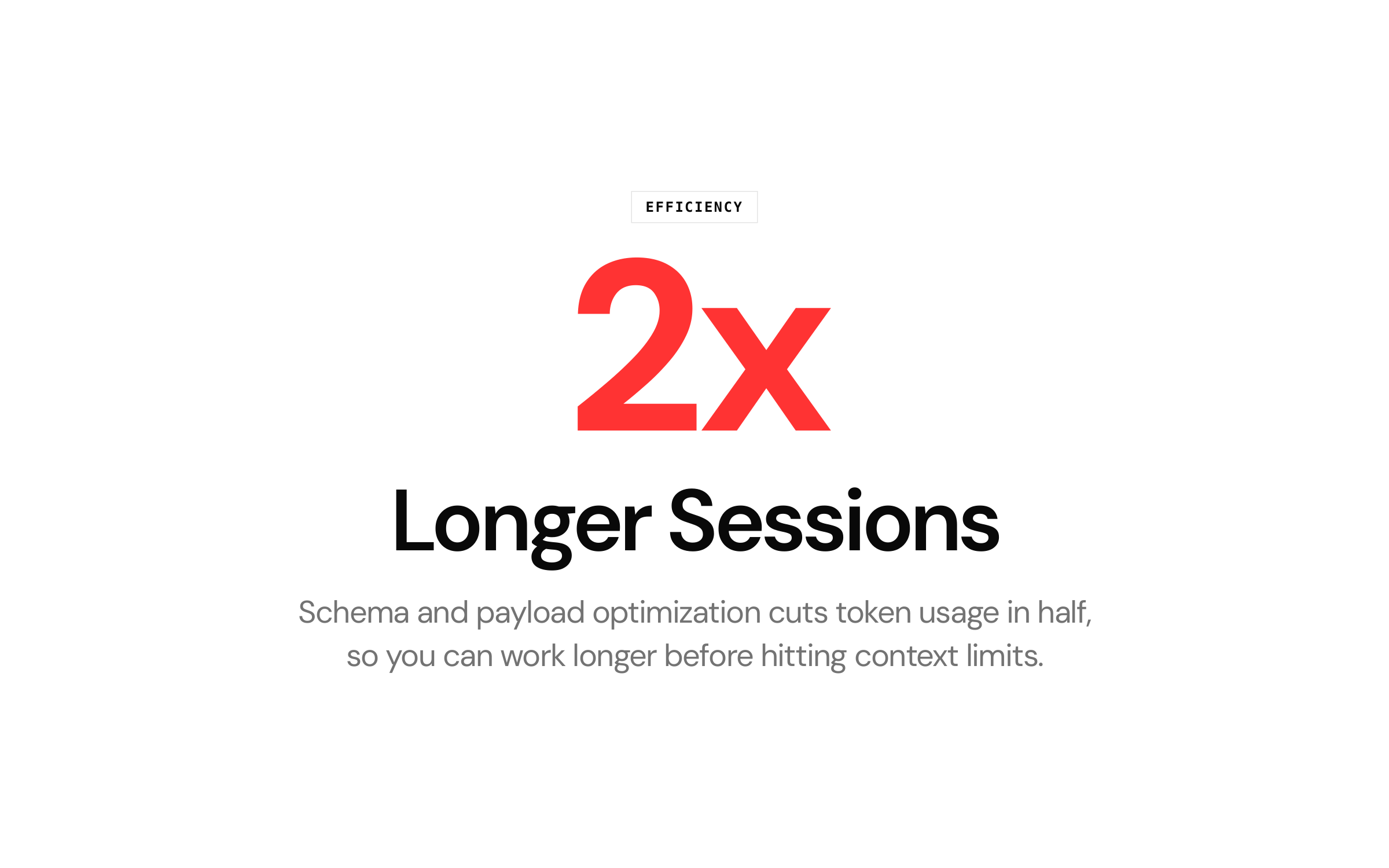
Schema and payload optimization cuts token usage in half. Longer sessions before hitting context limits means more complex tasks completed in a single conversation.
Performance profiling
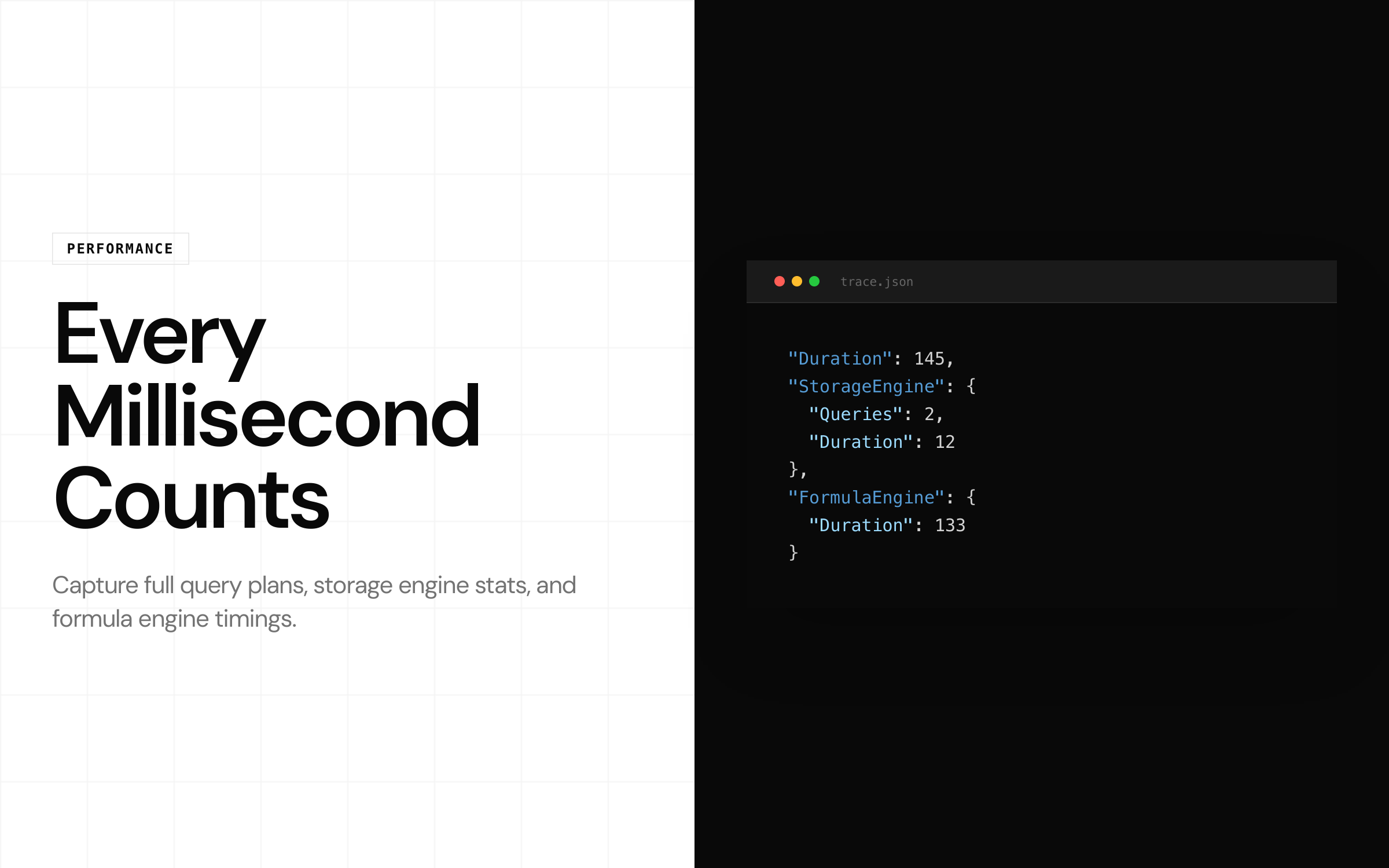
Capture full query plans, storage engine stats, and formula engine timings. Understand exactly where your DAX is spending time.
Architecture and privacy
SemanticOps MCP runs locally. Zero telemetry. Your model stays in your environment. The server connects to the Analysis Services instance inside Power BI Desktop - the same local engine that's been running your models for years.
Your AI assistant will send prompts and results to its provider (Anthropic, OpenAI, etc.) based on their privacy terms. That's unavoidable with any AI-assisted workflow. But the MCP server itself does not phone home, and with data masking enabled, the AI never sees your real numbers.
Install
One command:
claude mcp add mcp-engine -- npx -y mcp-engineThat's it. Works with Claude Code out of the box. For Claude Desktop, VS Code, or other MCP clients, see the getting started guide.
Requirements: Windows 10/11 or macOS. Power BI Desktop with an open PBIX file, or connection to Power BI Service (Premium/Fabric capacity required for cloud models).
Try these prompts
Once connected, try:
- "List all tables and their row counts."
- "Create a YoY Sales Growth measure using DIVIDE."
- "Show all measures that reference the Sales table."
- "Run a test suite on my margin measures."
- "What would break if I renamed the Customer table?"
- "Show VertiPaq stats and recommend columns to reduce model size."
Pricing
Free - core modeling, queries, bulk operations, translations. No limits, no expiry.
Pro - $39/month or $349/year. Rollback, test runner, policy engine, impact analysis, RLS testing, data masking, memories, full performance profiling, and Power BI Service connectivity.
No credit card required to start. The free tier is permanent.
Get started
➡️ Website: semanticops.dev
➡️ Download: GitHub Releases
➡️ Full feature comparison: semanticops.dev/compare
If you have workflows you want to automate or features you'd like to see, reach out - I'm building this based on what Power BI professionals actually need.